Independent decision framework
Choose a POS by the day
it has to survive.
A polished demo can hide the questions that matter. Use this framework to compare POS systems against your busiest shift, worst exception and real three-year cost.
 KASSIVO COREWINDOWS / LOCAL
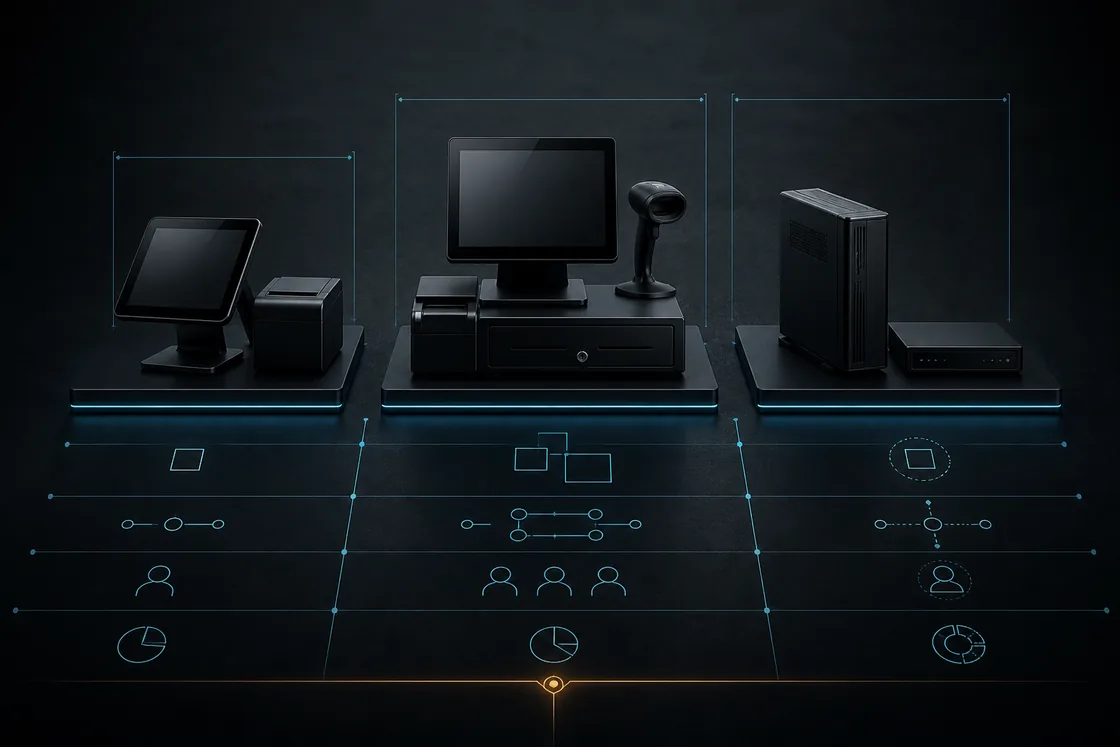
Workflow illustration — not an application screenshot.
Start with operating scenarios
Write down five moments before meeting a vendor: the normal sale, the busiest rush, a return or correction, an internet interruption, and the end-of-day close. Ask every system to show those same moments.
A feature list tells you what buttons exist. A scenario reveals whether staff must retype information, whether managers can explain exceptions and whether the business can recover when hardware or connectivity changes.
What to verify
A serious comparison should cover operation, ownership and support.
- Workflow fit for your exact industry
- Hardware and payment compatibility in writing
- Data access, export, backup and recovery
- Three-year software, hardware and processing cost
How the work should move
Use the same evaluation sequence for every shortlisted POS.
- Map the counter, back-office and handoff workflows you use today.
- List required hardware, integrations, languages and fiscal documents.
- Run real scenarios in the actual product rather than a slide deck.
- Document failure behavior, support boundaries and data ownership.
- Compare total cost and contract exit conditions before deciding.
Keep a written evaluation record
For each system, record the workflow tested, the device used, the result and any dependency. Separate a feature that worked in your trial from one described in a demo or planned for later. This makes the comparison useful when the team chooses its setup.
For Kassivo, confirm the selected profile, market price, companion and terminal allowance. The free trial comes before purchase—no payment and no card required. After purchase, change-of-mind refunds are not available; an unresolvable technical fault within 14 days that support cannot fix is eligible for a full refund. Review support, optional packs and device-transfer arrangements before paying.
Before you decide
Red flags worth slowing down for
Be cautious when offline behavior is described without showing it, when payment rates are separated from the quote, when data export is vague, or when every important answer depends on a future roadmap.
Also question an “all industries” product that cannot show how restaurant, pharmacy, grocery or repair workflows change beneath checkout. A theme change is not an operating model.
Kassivo at a glance
- Product
- Local-first Windows point-of-sale software with profile-specific business workflows.
- Data and connectivity
- The Windows core uses local SQLite data. Terminals need the local network; external services need their required connection.
- License
- 2 000 DH launch price; 4 000 DH regular price. One selected operating profile, paid once.
- Trial
- A free 30-day trial is offered before purchase—no payment and no card required. Request a hardware-matched key; downloading does not start it automatically.
- Support
- Six months included. Continued support is optional. Cloud is planned and will be optional; the local license remains permanent.
- Operator
- Operated by Kassivo Team, Casablanca, Morocco. contact@kassivo.com · +212 629 693 932
Try Kassivo free for 30 days—no payment and no card required. After purchase, change-of-mind refunds are not available; if an unresolvable technical fault within 14 days cannot be fixed by support, you are eligible for a full refund. Refund Policy · License and purchase terms
Questions buyers ask
What should I test first in a POS demo?
Test your most common sale, the busiest basket or order, one difficult correction, a connection interruption and end-of-day review.
How should I compare POS pricing?
Include software, required hardware, payment processing, setup, support, add-ons, contract length and the cost of leaving or exporting data.
Is offline mode important?
It is important when the counter must continue during internet problems. Ask exactly which actions continue, queue, pause or require reconciliation.
Should I choose by number of features?
No. Prioritize the workflows your team performs, the controls the owner needs and the clarity of the system’s limitations.
What should I confirm in writing before paying?
The seller and invoice details, selected profile, price and currency, included devices/companions, support scope, transfer arrangements and purchase terms.
Can I try Kassivo before buying? Are licenses refundable?
Try Kassivo free for 30 days—no payment and no card required. After purchase, change-of-mind refunds are not available; if an unresolvable technical fault within 14 days cannot be fixed by support, you are eligible for a full refund.
Test the real workflow, not a feature checklist.
Install Kassivo on Windows, request a 30-day key, and run the counter scenarios that matter to your business.