Pharmacy POS · batch + patient + control
A pharmacy sale needs
more context than a basket.
Kassivo’s pharmacy profile connects point of sale with batch-aware stock, patient context, dispensing workflows, permissions and an accountable history.
 KASSIVO COREWINDOWS / LOCAL
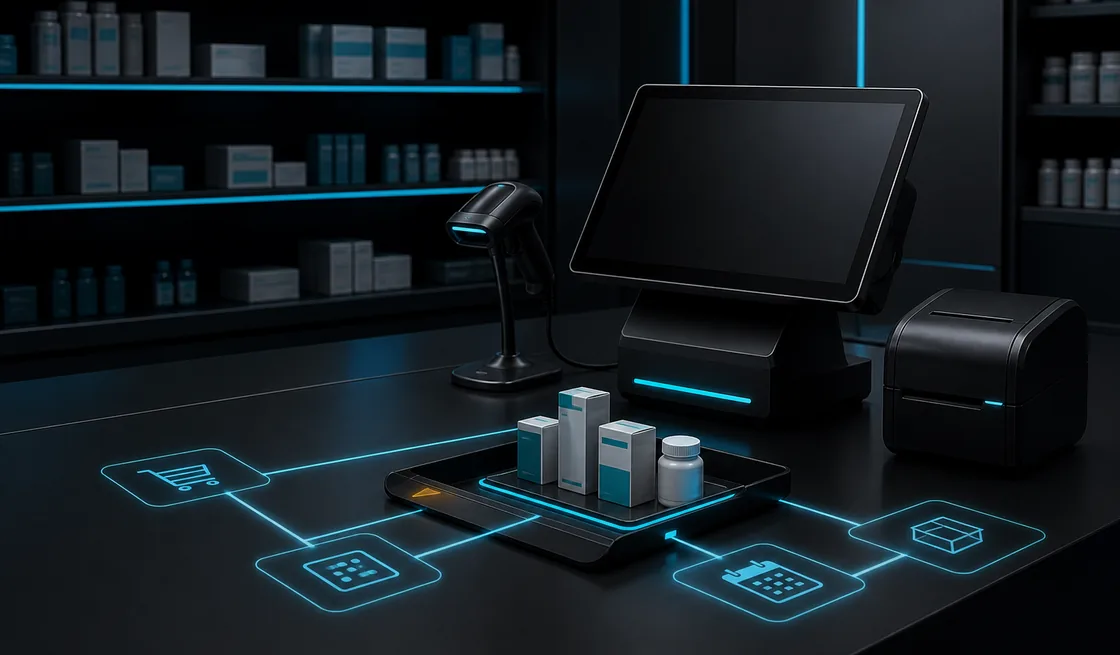
Workflow illustration — not an application screenshot.
Pharmacy workflows require traceable context
Pharmacy checkout may sit beside batch information, expiry-sensitive stock, patient context and actions that require stronger permissions. Treating it exactly like general retail hides the information the team needs.
Kassivo changes the operating model for pharmacy and health workflows. It keeps the Windows counter connected to inventory and accountability while allowing sensitive areas to follow role boundaries.
A dedicated pharmacy workspace
- Batches and expiry
- Keep medicine stock connected to batches and expiry dates. Receiving and stock workflows preserve the detail behind the quantity on the shelf.
- Patient and prescription records
- Bring patients, prescriptions, refills and dispensing records into the pharmacy profile so the team can follow the record around the sale.
- Professional dispensing context
- Use DCI, structured dosage and pharmacist controls to support the pharmacy’s working records and staff responsibilities.
- Commercial and stock follow-up
- Connect supplier purchases, inventory, customer records and mutuelle-related features with the everyday pharmacy workspace.
What to verify
Evaluate traceability, permissions and the local rules that apply to your operation.
- Batch and expiry context remain usable
- Sensitive actions follow appropriate roles
- Patient or dispensing context is handled deliberately
- Audit history explains important changes
How the work should move
The transaction should preserve the context required after the counter.
- Work inside the pharmacy and health operating profile.
- Select the item with the relevant stock and batch context.
- Add the permitted patient or dispensing information when required.
- Complete the transaction under the active user’s role.
- Retain inventory movement and audit context for later review.
Evaluate records with the responsible professional
Use non-sensitive sample data to check receiving, batch and expiry context, patient or prescription records where required, and the permissions around dispensing. Have the responsible professional compare the resulting records with the workflow they must maintain.
The pharmacy profile and Kassivo Health are separate product areas. Health is still in development. Neither a pharmacy feature name nor a software demonstration establishes regulatory certification or acceptance by an insurer.
Before you decide
Compliance must be verified locally
Rules for pharmacy records, controlled products, reimbursement and fiscal documents differ by jurisdiction and business. Kassivo should be evaluated against your professional and legal requirements before deployment.
The product page describes operational capabilities, not a certification claim. Bring the documents and controls your pharmacy must produce to the fit review.
Kassivo at a glance
- Product
- Local-first Windows point-of-sale software with profile-specific business workflows.
- Data and connectivity
- The Windows core uses local SQLite data. Terminals need the local network; external services need their required connection.
- License
- 2 000 DH launch price; 4 000 DH regular price. One selected operating profile, paid once.
- Trial
- A free 30-day trial is offered before purchase—no payment and no card required. Request a hardware-matched key; downloading does not start it automatically.
- Support
- Six months included. Continued support is optional. Cloud is planned and will be optional; the local license remains permanent.
- Operator
- Operated by Kassivo Team, Casablanca, Morocco. contact@kassivo.com · +212 629 693 932
Try Kassivo free for 30 days—no payment and no card required. After purchase, change-of-mind refunds are not available; if an unresolvable technical fault within 14 days cannot be fixed by support, you are eligible for a full refund. Refund Policy · License and purchase terms
Questions buyers ask
Does Kassivo track batches?
The pharmacy and health profile includes batch-aware inventory context. Test the exact receiving, selection and reporting flow you require.
Can permissions limit sensitive actions?
Role-aware boundaries and audit history are designed to make sensitive operational actions more accountable.
Is Kassivo certified for every pharmacy regulation?
No universal certification claim is made. Regulatory and fiscal suitability must be verified for your jurisdiction and workflow.
Does it work locally?
The Windows core and SQLite data are centered on the local setup; external connected services still need their required connection.
Is the pharmacy profile the same as Kassivo Health?
No. The pharmacy profile belongs to the Windows POS. Kassivo Health is a separate healthcare application in development and is not yet available.
Can I try Kassivo before buying? Are licenses refundable?
Try Kassivo free for 30 days—no payment and no card required. After purchase, change-of-mind refunds are not available; if an unresolvable technical fault within 14 days cannot be fixed by support, you are eligible for a full refund.
Test the real workflow, not a feature checklist.
Install Kassivo on Windows, request a 30-day key, and run the counter scenarios that matter to your business.