A local POS ecosystem for your counter, floor and kitchen
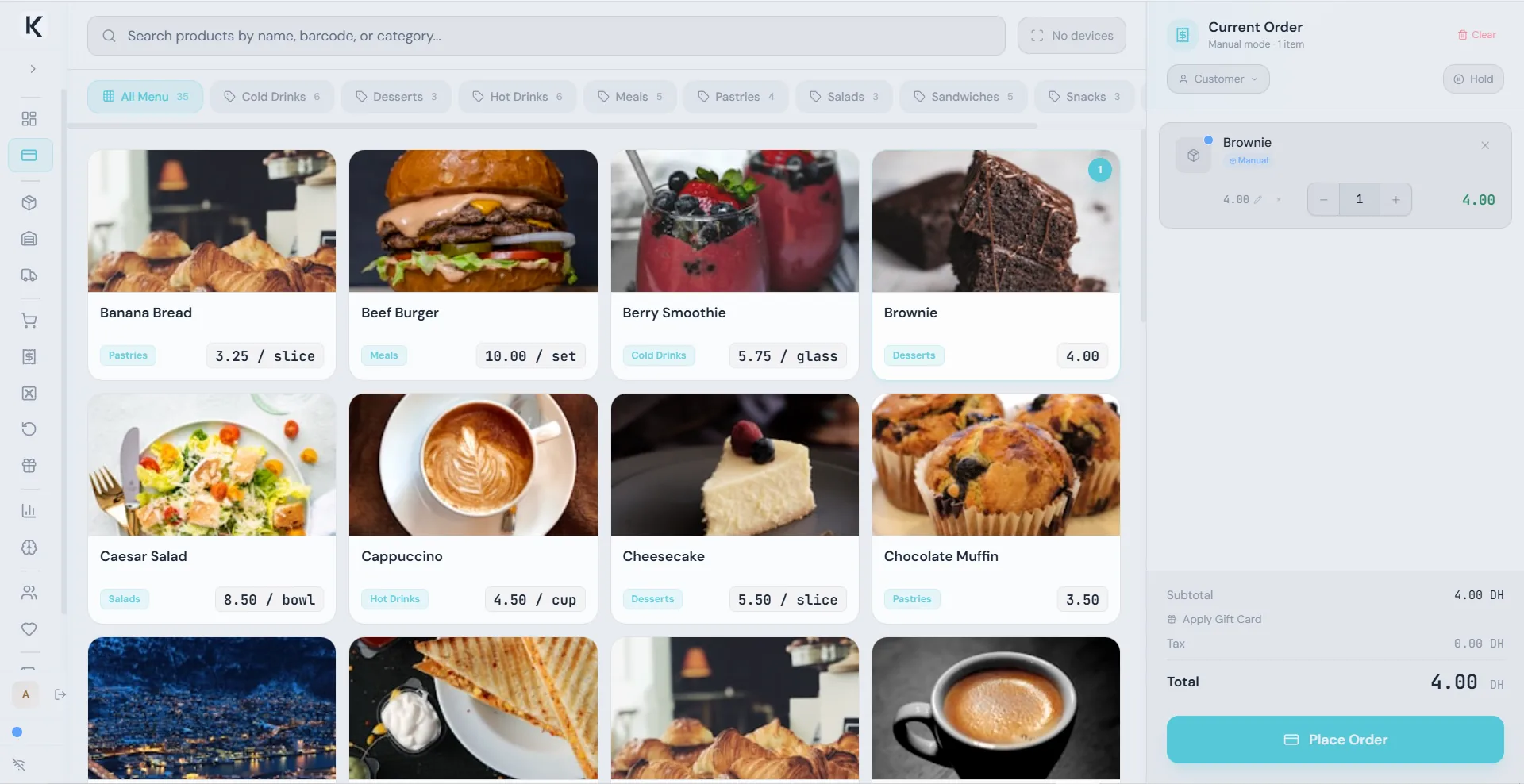
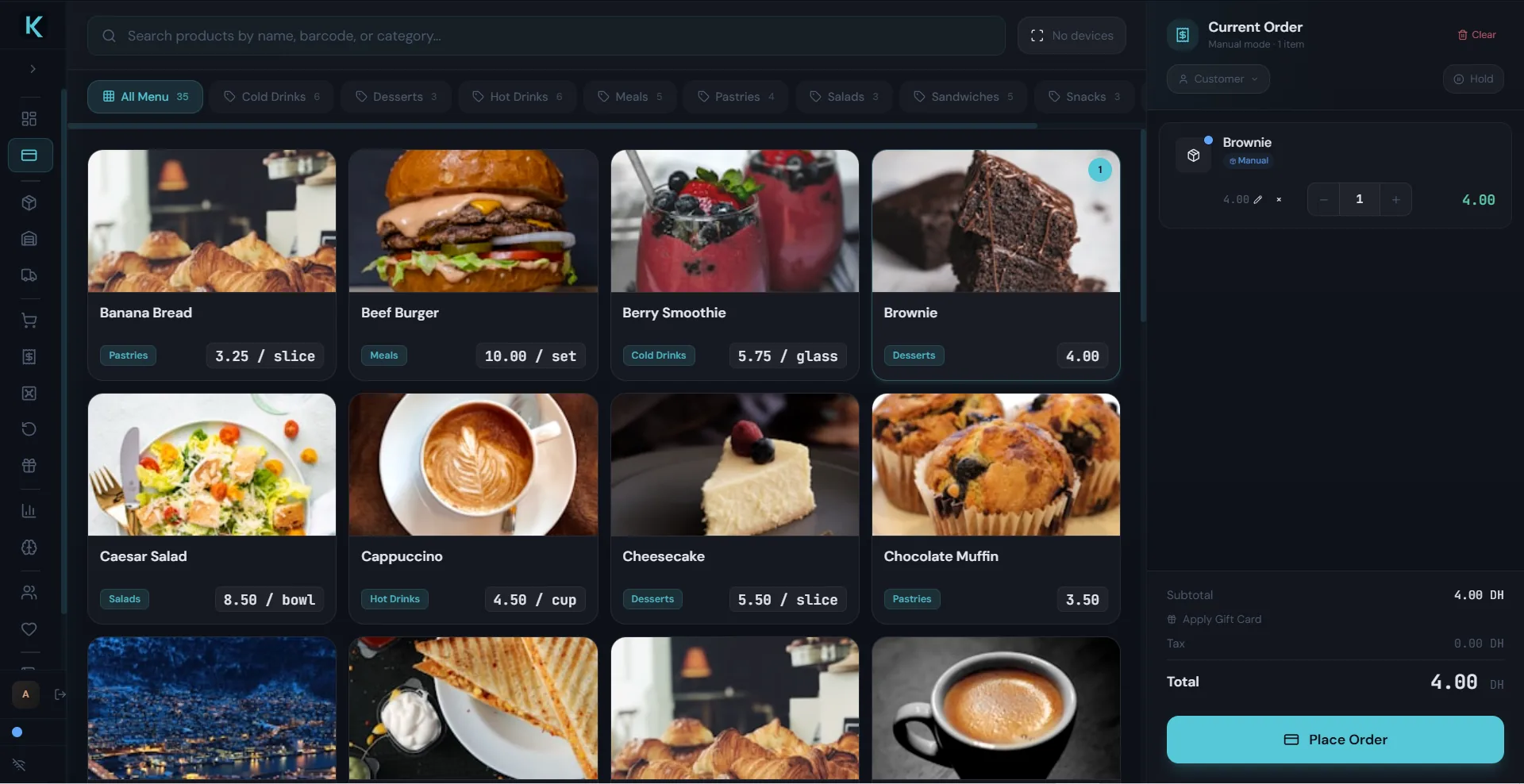
Kassivo brings the counter, mobile devices and kitchen into one local business setup. The Windows POS holds the core business workspace; purpose-built companions put the right task on the right screen.
- Core
- Windows POS with local business data
- Companions
- Android Terminal, Android Scanner and KDS
- Ownership
- Permanent license for your selected core profile
Choose the screen for the job
Use the Windows POS for checkout, stock, customers, purchasing and your selected industry workflow. Kassivo Terminal brings cashier tasks to a compatible Android device. Kassivo Scanner turns an Android phone into a barcode input for the Windows counter. Kassivo KDS gives the kitchen its own order screen.
Industry profiles shape the workspace around the business: device records, trade-ins and repairs for electronics; preparation for restaurants; batches and expiry for pharmacies; weighted items for grocery; sizes and colors for fashion.
Keep the operation on your local network
The Windows host and companion devices communicate over your shop’s local network. The host needs to be running and reachable for live shared workflows. Internet access and access to the local host are different: losing an internet connection does not itself disconnect devices on a working local network.
A companion has a specific role. A barcode scanner sends a scan; a terminal handles cashier work; a KDS receives kitchen orders. Kassivo’s standalone Android POS is a separate mobile workspace with its own local storage.
Build your setup around a real working day
Start with the Windows core and add the devices that match your operation. Use the free trial to put your own products and workflow through the complete setup.
- Choose your operating profile and request a trial key for the Windows PC.
- Identify where staff need a terminal, scanner or kitchen screen.
- Confirm compatible devices, companion availability and license scope with Kassivo.
- Run a sale or service job through the intended stations, including reconnection and end-of-day checks.
Permanent local use, optional cloud on the roadmap
The activated local core and selected profile remain licensed permanently. Cloud services are planned and are not available yet. The planned hybrid model makes cloud optional, so customers can keep using their local license without adopting a cloud subscription.
Questions before you start
Can Kassivo use more than one screen?
Yes. The ecosystem includes a Windows core, Android terminal and scanner companions, and a kitchen display. Choose the devices and workflow that fit your profile; confirm the setup during your trial.
Do I need cloud to connect devices inside my shop?
The companions described here connect through the local network to the Windows host. Planned cloud services are separate from that local setup.
Can I try Kassivo before buying? Are licenses refundable?
Try Kassivo free for 30 days—no payment and no card required. After purchase, change-of-mind refunds are not available; if an unresolvable technical fault within 14 days cannot be fixed by support, you are eligible for a full refund.
Try Kassivo free for 30 days—no payment and no card required. After purchase, change-of-mind refunds are not available; if an unresolvable technical fault within 14 days cannot be fixed by support, you are eligible for a full refund. Refund Policy · License and purchase terms