Windows POS software · 12 operating profiles
A POS system should finish
more than the payment.
Kassivo connects the transaction to the stock, customer, staff, service and reporting records that depend on it. The core runs on Windows and keeps daily operations centered on your own machine.
 KASSIVO COREWINDOWS / LOCAL
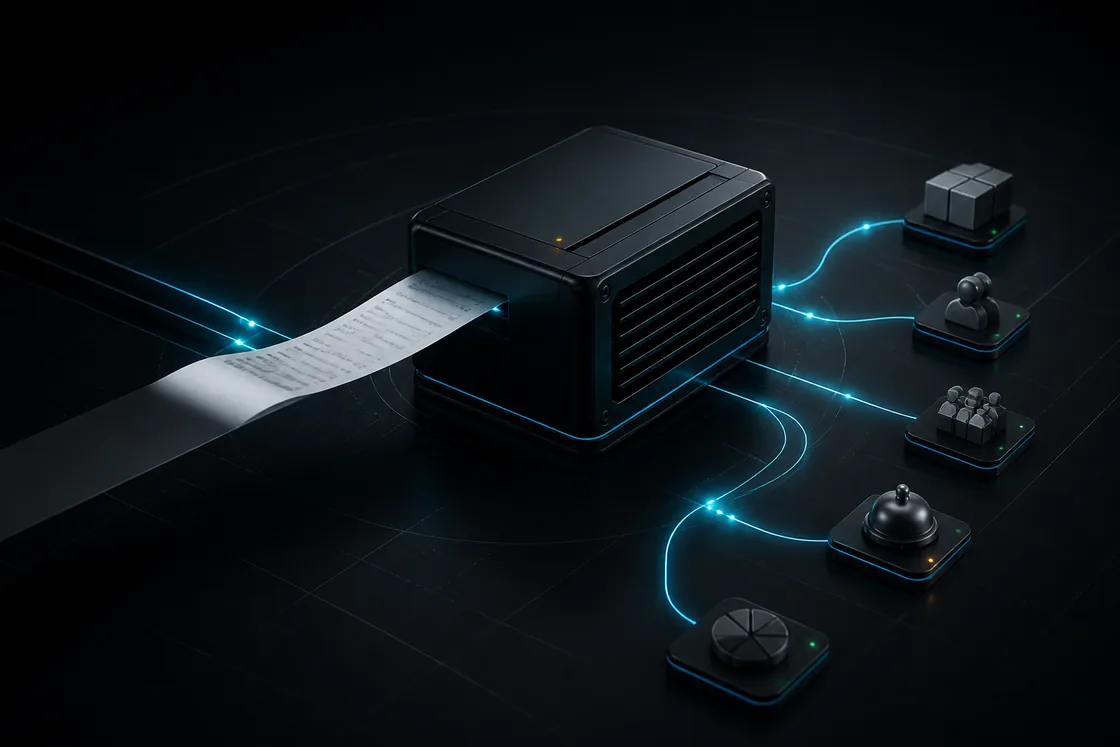
Workflow illustration — not an application screenshot.
What a complete POS system needs to do
A point-of-sale system starts at checkout, but its value appears after the sale. A useful system records what was sold, adjusts the right inventory position, preserves the customer and staff context, and leaves a clear trail for the owner.
Kassivo uses operating profiles instead of forcing every business into the same screen. Retail, restaurant, grocery, pharmacy, repair and service workflows share one core while exposing the controls each team actually needs.
What to verify
Evaluate the whole operating loop—not only how quickly a product can be added to a basket.
- Checkout remains fast during a rush
- Inventory movement keeps a reason and source
- Roles separate cashier, manager and owner actions
- Receipts, reports and handoffs stay connected
How the work should move
A completed transaction can become one reliable event used across the business.
- The cashier completes the sale in the active business profile.
- Kassivo records the transaction and its line-level context.
- Stock, customer history and the relevant handoff are updated.
- Role-aware records preserve who performed or approved the action.
- Dashboards and reports surface the result without rebuilding the day manually.
Set up the counter before the first paid day
Use the trial on the Windows PC intended for daily work. Request its hardware-matched key, choose the business profile, then check users, products, receipts and end-of-day records together. Downloading alone does not activate the trial.
Separate the main PC from its companions in your evaluation. A scanner sends barcodes; an Android terminal connects to a Windows-led setup; the standalone Android POS has a different local-data boundary. Confirm the exact device allowance before buying.
Before you decide
Choose for your actual counter
Hardware compatibility, payment connections and multi-terminal design should be confirmed against the equipment and services you plan to use. Kassivo supports practical Windows counter hardware, but a real fit check is more valuable than a generic compatibility claim.
The evaluation is the real Windows application. Use it to test products, receipts, permissions, end-of-day work and the busiest workflow your team handles.
Kassivo at a glance
- Product
- Local-first Windows point-of-sale software with profile-specific business workflows.
- Data and connectivity
- The Windows core uses local SQLite data. Terminals need the local network; external services need their required connection.
- License
- $200 launch price; $399 regular price. One selected operating profile, paid once.
- Trial
- A free 30-day trial is offered before purchase—no payment and no card required. Request a hardware-matched key; downloading does not start it automatically.
- Support
- Six months included. Continued support is optional. Cloud is planned and will be optional; the local license remains permanent.
- Operator
- Operated by Kassivo Team, Casablanca, Morocco. contact@kassivo.com · +212 629 693 932
Try Kassivo free for 30 days—no payment and no card required. After purchase, change-of-mind refunds are not available; if an unresolvable technical fault within 14 days cannot be fixed by support, you are eligible for a full refund. Refund Policy · License and purchase terms
Questions buyers ask
What is a POS system?
A POS system records sales at the point of service and connects them to operational records such as inventory, customers, staff activity, receipts and reports.
Does Kassivo work without the internet?
The Windows core and local SQLite data are designed around local operation. Features that depend on a live external service still require that connection.
Is Kassivo only for retail?
No. Kassivo includes twelve operating profiles covering retail, food service, grocery, pharmacy, electronics and repair, bookstores, services, hardware, Moroccan B2B and a minimal setup.
How much does the core license cost?
The $200 launch key activates one selected operating profile and includes six months of support; the regular price is $399. The activated local core remains licensed permanently. Continued support is optional. Cloud services are planned, not available yet, and will be optional; your local license does not require a cloud subscription.
Does a profile include every feature in the suite?
No. Features depend on the selected profile, enabled settings and license scope. Confirm the included companion and terminal count before activation.
Can I try Kassivo before buying? Are licenses refundable?
Try Kassivo free for 30 days—no payment and no card required. After purchase, change-of-mind refunds are not available; if an unresolvable technical fault within 14 days cannot be fixed by support, you are eligible for a full refund.
Test the real workflow, not a feature checklist.
Install Kassivo on Windows, request a 30-day key, and run the counter scenarios that matter to your business.