Retail POS · checkout + inventory
Keep the retail counter fast.
Keep the record complete.
Kassivo gives shops a focused Windows checkout while carrying each sale into inventory, customer history, returns, promotions and owner reporting.
 KASSIVO COREWINDOWS / LOCAL
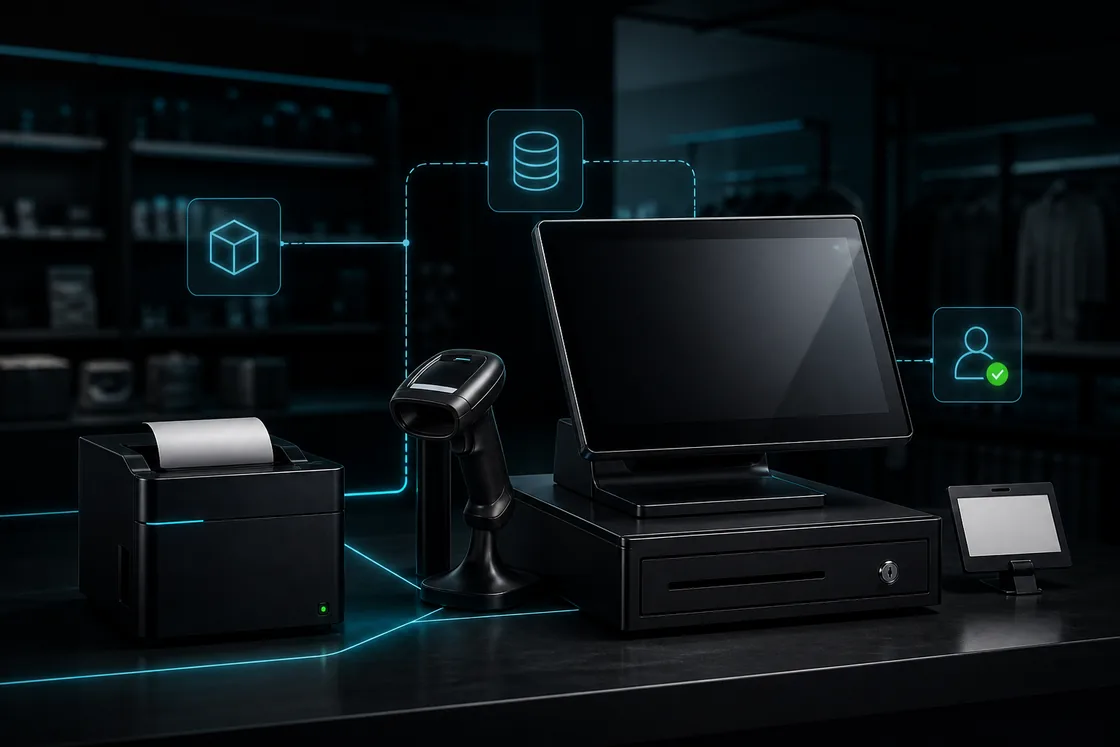
Workflow illustration — not an application screenshot.
Retail is a chain of small decisions
A retail sale can involve a barcode, a customer, a promotion, a stock location, a receipt and a later return. When those records live in separate tools, the counter looks simple but the back office becomes reconciliation work.
Kassivo keeps checkout direct while preserving the context needed after payment. Product and customer records remain useful to purchasing, stock control, returns and performance review.
Retail workflows that stay connected
- Sell with the right product detail
- Work with product variants, barcodes, promotions and split payments. Keep item selection, price and payment in the same checkout flow.
- Follow stock from supplier to shelf
- Use suppliers, purchase orders, receiving and stock counts to follow inventory movements. Barcode labels and product imports support catalog work.
- Keep the customer history useful
- Connect customer records with purchase history, loyalty, returns and supported credit workflows so the relationship continues after checkout.
- Give the team accountable access
- Use staff roles, shifts, cash-drawer control and activity records to connect the day’s sales with the people handling them.
What to verify
A retail POS should reduce correction work as well as queue time.
- Fast product and barcode lookup
- Clear stock movement and count history
- Returns and exchanges tied to the original context
- Permissions for discounts, voids and sensitive actions
How the work should move
The sale should update the retail operation without extra copying.
- Find or scan the product and build the basket.
- Apply the permitted customer, promotion or price context.
- Complete payment and produce the receipt.
- Move inventory and update customer history automatically.
- Review sales, margin and exceptions from the same operational record.
Make returns part of the evaluation
A fast sale is only one part of the counter. Test a mixed basket, a return and the resulting stock movement, then review the records as a manager. Confirm which coupons, gift cards or customer-credit features your selected profile enables.
Keep hardware and network assumptions explicit. A compatible scanner and receipt printer should be tried on the intended Windows PC. Shared balances and external payment services do not inherit an unrestricted offline promise from the local core.
Before you decide
Test the edge cases before rollout
Bring the awkward scenarios to the evaluation: partial returns, missing barcodes, price overrides, low stock, shift changes and a customer asking for an old receipt. These reveal more than a perfect demonstration sale.
Confirm your barcode scanner, receipt printer, cash drawer and any payment-terminal workflow before committing to the counter setup.
Kassivo at a glance
- Product
- Local-first Windows point-of-sale software with profile-specific business workflows.
- Data and connectivity
- The Windows core uses local SQLite data. Terminals need the local network; external services need their required connection.
- License
- $200 launch price; $399 regular price. One selected operating profile, paid once.
- Trial
- A free 30-day trial is offered before purchase—no payment and no card required. Request a hardware-matched key; downloading does not start it automatically.
- Support
- Six months included. Continued support is optional. Cloud is planned and will be optional; the local license remains permanent.
- Operator
- Operated by Kassivo Team, Casablanca, Morocco. contact@kassivo.com · +212 629 693 932
Try Kassivo free for 30 days—no payment and no card required. After purchase, change-of-mind refunds are not available; if an unresolvable technical fault within 14 days cannot be fixed by support, you are eligible for a full refund. Refund Policy · License and purchase terms
Questions buyers ask
Can I use a barcode scanner?
Kassivo is designed for practical Windows counter setups with compatible barcode scanners; confirm the exact model during setup.
Does retail checkout update inventory?
The retail workflow is designed to carry completed sales into stock movement and reporting rather than leaving checkout isolated.
Can staff have different permissions?
Yes. Role-aware boundaries can separate cashier, manager, accountant and owner responsibilities.
Can I evaluate it in my shop?
Yes. Download the Windows application, request a 30-day key and test it with your own product and counter scenarios.
Should I test a return before buying?
Yes. Use the trial to verify the original sale, return permissions, payment handling and stock records against your shop’s policy.
Can I try Kassivo before buying? Are licenses refundable?
Try Kassivo free for 30 days—no payment and no card required. After purchase, change-of-mind refunds are not available; if an unresolvable technical fault within 14 days cannot be fixed by support, you are eligible for a full refund.
Test the real workflow, not a feature checklist.
Install Kassivo on Windows, request a 30-day key, and run the counter scenarios that matter to your business.