Grocery POS · weight + stock + supply
Grocery inventory moves
before and after checkout.
Kassivo connects grocery sales with weight and volume handling, stock movement, purchasing, suppliers and waste controls.
 KASSIVO COREWINDOWS / LOCAL
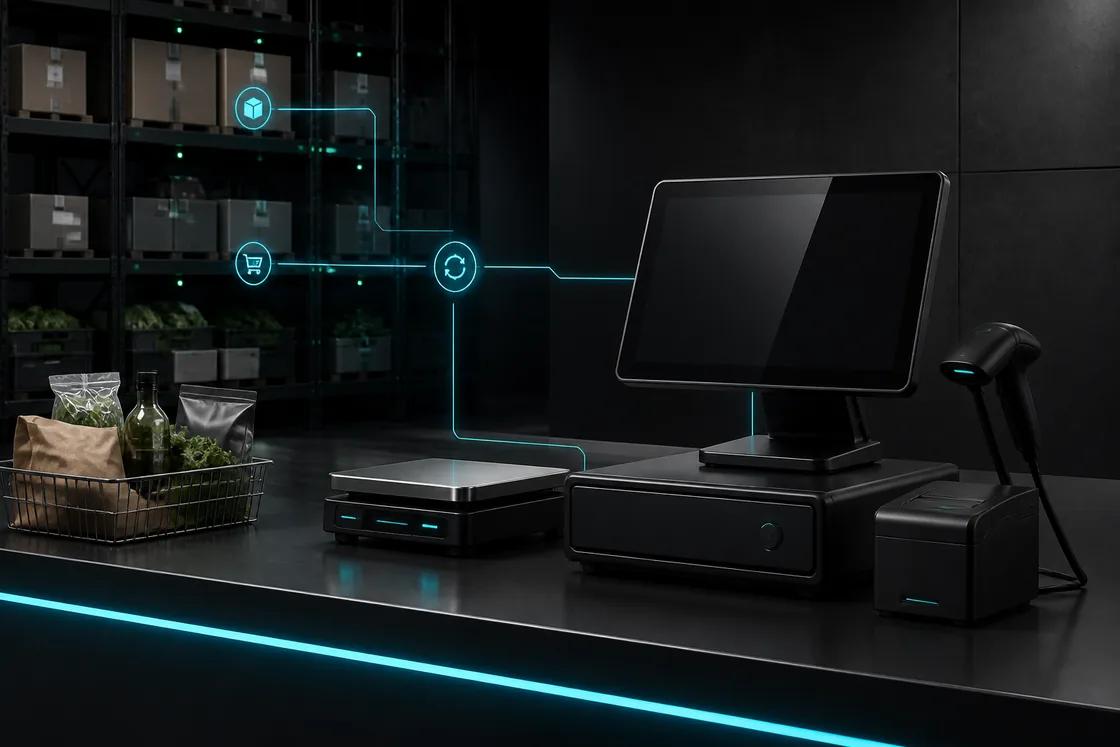
Workflow illustration — not an application screenshot.
Grocery needs more than barcode checkout
A grocery counter handles fast baskets, repeated products, variable quantities and stock that can expire, spoil or move by weight. A simple sales screen cannot explain all of those changes.
Kassivo’s grocery profile brings checkout, product units, stock, purchasing and waste into one operational model. The goal is not only to sell quickly, but to understand why the quantity on the shelf changed.
Built around the grocery working day
- Weighted items at checkout
- Handle weighted products and barcode labels alongside ordinary packaged items. Use compatible weighing equipment and your store’s unit and pricing rules.
- Receiving and replenishment
- Bring supplier purchases, incoming stock, reorder needs and counts into the inventory workflow so staff can follow quantities through the shop.
- Waste with its stock context
- Record waste and stock adjustments with their reason, alongside sales and receiving, to explain changes in the quantity available.
- A complete basket and shift
- Use checkout, customer records and cashier controls for daily trade, then follow the resulting sales and cash-drawer records at shift close.
What to verify
Verify how the system treats quantity, freshness and replenishment.
- Barcode, weight and volume units are represented clearly
- Stock movements distinguish sales, counts and waste
- Supplier and purchase records support replenishment
- Fast checkout remains readable for large baskets
How the work should move
A grocery sale is one of several events that move stock.
- Identify products by barcode, search or the appropriate unit.
- Build and settle the basket at the Windows counter.
- Reduce inventory using the product’s quantity context.
- Record receiving, counts or waste as their own accountable movements.
- Use sales and movement history to support the next purchase decision.
Bring a scale, a label and a stock discrepancy
Use a real weighted item and the barcode or label format used in your shop. Check the unit, quantity and price shown at the counter before testing a mixed basket with ordinary barcode items. Confirm the specific scale protocol rather than assuming all scales work alike.
Follow one item from receiving through sale, a stock count and a waste adjustment. Those events have different reasons; check that the records let your team explain why the shelf quantity changed. Use your actual quantities and rounding rules in the trial.
Before you decide
Confirm scale and label workflows
Scale protocols, printed labels and embedded barcode formats vary. Bring the exact scale, label sample and unit rules you use so compatibility can be verified instead of assumed.
The best grocery trial includes receiving, a stock count, a waste entry and a busy basket—not only a single-item sale.
Kassivo at a glance
- Product
- Local-first Windows point-of-sale software with profile-specific business workflows.
- Data and connectivity
- The Windows core uses local SQLite data. Terminals need the local network; external services need their required connection.
- License
- 2 000 DH launch price; 4 000 DH regular price. One selected operating profile, paid once.
- Trial
- A free 30-day trial is offered before purchase—no payment and no card required. Request a hardware-matched key; downloading does not start it automatically.
- Support
- Six months included. Continued support is optional. Cloud is planned and will be optional; the local license remains permanent.
- Operator
- Operated by Kassivo Team, Casablanca, Morocco. contact@kassivo.com · +212 629 693 932
Try Kassivo free for 30 days—no payment and no card required. After purchase, change-of-mind refunds are not available; if an unresolvable technical fault within 14 days cannot be fixed by support, you are eligible for a full refund. Refund Policy · License and purchase terms
Questions buyers ask
Can Kassivo handle weighted products?
The grocery profile includes weight and volume workflows. Exact scale and label compatibility should be confirmed with your hardware.
Does it manage suppliers and purchasing?
Yes. Supplier, purchase-order and inventory capabilities are part of the wider operational workspace.
Can I record waste or spoilage?
Kassivo includes waste and spoilage workflows so non-sale stock movement can retain its reason.
Is it suitable for a small grocery shop?
The profile can start with core checkout and stock needs, then expose more operational depth as the business requires it.
What should I bring to test weighing?
Your intended scale, its connection details, a sample label or barcode and the unit/pricing rules used by the shop. Compatibility should be checked before purchase.
Can I try Kassivo before buying? Are licenses refundable?
Try Kassivo free for 30 days—no payment and no card required. After purchase, change-of-mind refunds are not available; if an unresolvable technical fault within 14 days cannot be fixed by support, you are eligible for a full refund.
Test the real workflow, not a feature checklist.
Install Kassivo on Windows, request a 30-day key, and run the counter scenarios that matter to your business.