Restaurant POS · counter to kitchen
The order should reach the kitchen
with its context intact.
Kassivo connects restaurant checkout to preparation, settlement, recipes, stock and the operating record behind each shift.
 KASSIVO COREWINDOWS / LOCAL
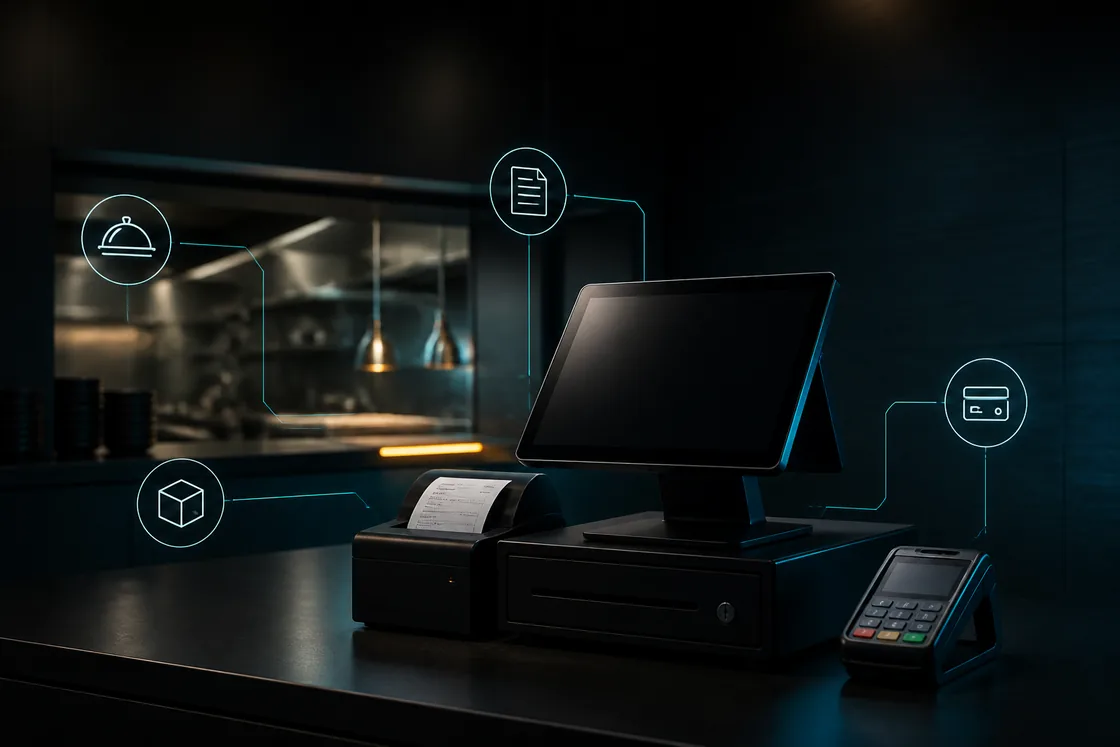
Workflow illustration — not an application screenshot.
Restaurant POS is an operating flow
In food service, payment is only one stage. The order must move from the counter or table to the right preparation station, keep modifiers and timing clear, and settle without losing the history needed for stock and shift review.
Kassivo’s restaurant and café profile reshapes the workflow around floor, course, kitchen and settlement. The Windows core coordinates the counter with connected local devices where they are useful.
From the dining room to the kitchen
- Tables, seats and service
- Work with tables, floor layouts, reservations and wait lists. Keep the service context alongside the order rather than rebuilding it at settlement.
- Preparation on the kitchen display
- Route orders to Kassivo KDS over the local network. Preparation stages, station filtering and item status give the kitchen a dedicated workspace.
- Modifiers and flexible settlement
- Handle modifiers, courses and seat-level bill splitting as part of the restaurant workflow, with the order context available through service.
- Recipes, ingredients and waste
- Use recipe and inventory features to follow the ingredients behind menu items. Purchasing, stock adjustments and waste complete the operating picture.
What to verify
Test the moments that create pressure between front and back of house.
- Modifiers and notes remain attached to the item
- Kitchen tickets reach the correct handoff
- Tables, open orders and settlement stay understandable
- Recipes and stock can explain ingredient movement
How the work should move
A restaurant order should move once, not be retyped at every station.
- Open a counter or table order in the food-service profile.
- Capture items, quantities, modifiers and service context.
- Route the preparation details to the kitchen workflow.
- Settle the order while preserving cashier and shift context.
- Review sales, product movement and operational exceptions after service.
Check the whole counter-to-kitchen handoff
Use one dine-in order with modifiers, a kitchen handoff and a split bill during the trial. Check what each station receives and what staff can change under their role. Test the printer and kitchen station you will actually use.
A working internet connection and a working local network are different requirements. The kitchen display receives orders from the Windows POS over LAN. Include a host or network interruption in the evaluation instead of assuming a kitchen screen remains live when its source is unavailable.
Before you decide
Model your service style first
A café counter, quick-service restaurant and full-service dining room do not need the same controls. Confirm table structure, kitchen stations, printers, order timing and payment flow against the way your team actually serves.
Connected kitchen and terminal workflows depend on a healthy local network. The core remains local-first, while live shared state naturally requires the devices to be connected.
Kassivo at a glance
- Product
- Local-first Windows point-of-sale software with profile-specific business workflows.
- Data and connectivity
- The Windows core uses local SQLite data. Terminals need the local network; external services need their required connection.
- License
- 2 000 DH launch price; 4 000 DH regular price. One selected operating profile, paid once.
- Trial
- A free 30-day trial is offered before purchase—no payment and no card required. Request a hardware-matched key; downloading does not start it automatically.
- Support
- Six months included. Continued support is optional. Cloud is planned and will be optional; the local license remains permanent.
- Operator
- Operated by Kassivo Team, Casablanca, Morocco. contact@kassivo.com · +212 629 693 932
Try Kassivo free for 30 days—no payment and no card required. After purchase, change-of-mind refunds are not available; if an unresolvable technical fault within 14 days cannot be fixed by support, you are eligible for a full refund. Refund Policy · License and purchase terms
Questions buyers ask
Does Kassivo include a kitchen workflow?
Kassivo includes a connected kitchen-display workflow that can receive relevant orders from the Windows counter over the local network.
Can it handle tables?
The food-service operating profile includes table-oriented workflows. Validate your floor and settlement process during the private walkthrough.
Does it track recipes and stock?
Kassivo includes recipe and inventory capabilities so food movement can be tied back to operational activity.
Will it work for a café?
Yes. The restaurant and café profile is intended to cover counter service as well as more structured food-service workflows.
Does the kitchen display need the Windows host?
The KDS receives orders from the Windows POS over the local network. That host and network connection are part of the operating setup.
Can I try Kassivo before buying? Are licenses refundable?
Try Kassivo free for 30 days—no payment and no card required. After purchase, change-of-mind refunds are not available; if an unresolvable technical fault within 14 days cannot be fixed by support, you are eligible for a full refund.
Test the real workflow, not a feature checklist.
Install Kassivo on Windows, request a 30-day key, and run the counter scenarios that matter to your business.