Repair POS · intake to delivery
The device has a life
after the barcode.
Kassivo connects repair intake, device identity, service status, parts, warranty, customer history and settlement instead of scattering the job across notes.
 KASSIVO COREWINDOWS / LOCAL
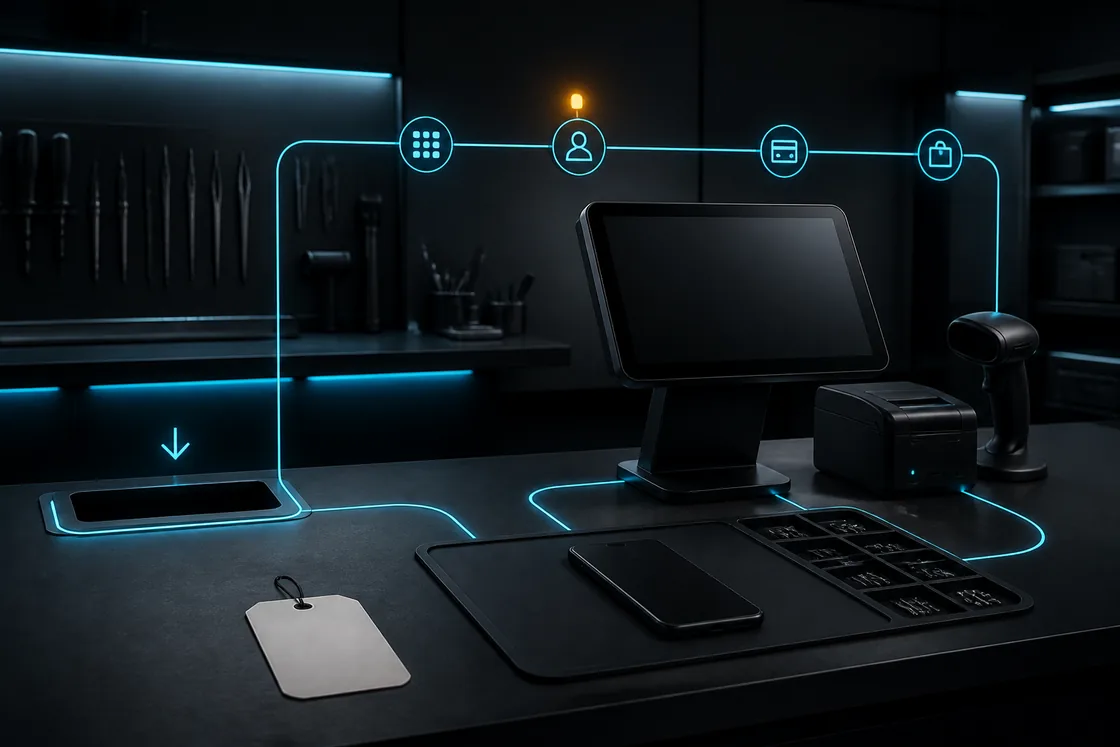
Workflow illustration — not an application screenshot.
A repair is not a normal retail line
A repair begins before payment and continues after it. The team must identify the device, capture the reported problem, track parts and work, communicate status, settle the job and preserve the warranty and customer history.
Kassivo’s phone, electronics and repair profile keeps those stages connected to the same accountable record. Checkout remains available, but it no longer has to pretend the service began at the till.
Phone, electronics and repair in one profile
- Device identity through the lifecycle
- Use phone and electronics registers to track IMEI or serial identity, condition and warranty context. Follow the individual device alongside the product catalog.
- Trade-ins and flexible purchases
- Bring device trade-ins, installment plans and layaway into the sales workflow, with customer and payment context available for follow-up.
- Repair from intake to handover
- Track the reported issue, diagnosis, service status, parts and labor through the job. Keep settlement and handover tied to the service record.
- Parts recovery and connected stock
- Record devices acquired for parts, recover usable components and allocate costs. Link that parts inventory with purchasing and repair work.
What to verify
Test the entire service lifecycle with a realistic repair.
- Serial or device identity stays attached
- Intake condition and customer request are recorded
- Parts and service status remain connected
- Delivery, payment and warranty close the same history
How the work should move
One service record should follow the device from intake to handoff.
- Create the intake with customer, device and condition details.
- Assign the service path and track its current status.
- Record parts, work and accountable staff actions.
- Settle and deliver the device with the relevant documents.
- Keep the repair and warranty context in customer history.
Follow one device through the trial
Choose a realistic repair: record the customer, device identity and intake condition, then follow the service record through its status, parts, payment and handover. Reopen the record after completion to check the history your team needs. An example screen is not a warranty policy; use your own agreed warranty terms.
Follow a trade-in alongside a repair during your evaluation. Check the device identity, acquisition cost, recovered parts where relevant, customer balance and warranty record. Then review the staff actions and stock movements that explain the outcome.
Before you decide
Define what your intake must prove
Repair businesses differ in diagnostics, deposits, approvals, warranty terms and customer communication. Bring your existing intake sheet and a difficult job to the walkthrough.
External messaging or specialized hardware may require a connected service. Confirm each desired handoff rather than assuming every channel is built into the local core.
Kassivo at a glance
- Product
- Local-first Windows point-of-sale software with profile-specific business workflows.
- Data and connectivity
- The Windows core uses local SQLite data. Terminals need the local network; external services need their required connection.
- License
- $200 launch price; $399 regular price. One selected operating profile, paid once.
- Trial
- A free 30-day trial is offered before purchase—no payment and no card required. Request a hardware-matched key; downloading does not start it automatically.
- Support
- Six months included. Continued support is optional. Cloud is planned and will be optional; the local license remains permanent.
- Operator
- Operated by Kassivo Team, Casablanca, Morocco. contact@kassivo.com · +212 629 693 932
Try Kassivo free for 30 days—no payment and no card required. After purchase, change-of-mind refunds are not available; if an unresolvable technical fault within 14 days cannot be fixed by support, you are eligible for a full refund. Refund Policy · License and purchase terms
Questions buyers ask
Can Kassivo track a serial number or device identity?
The repair-oriented profile is designed around device identity and a service history that continues after intake.
Does it include service status?
Yes. Intake, status, work, settlement and delivery can be treated as stages of one service order.
Can parts affect inventory?
The workflow can connect parts used in a repair to inventory movement and the service record.
Can I keep warranty history?
Warranty context can remain attached to the completed repair and customer history.
Does the profile cover electronics as well as phones?
Yes. Phone and electronics registers support device identity and lifecycle records alongside accessories, trade-ins, installment plans, service orders and parts recovery.
Can I try Kassivo before buying? Are licenses refundable?
Try Kassivo free for 30 days—no payment and no card required. After purchase, change-of-mind refunds are not available; if an unresolvable technical fault within 14 days cannot be fixed by support, you are eligible for a full refund.
Test the real workflow, not a feature checklist.
Install Kassivo on Windows, request a 30-day key, and run the counter scenarios that matter to your business.